
Optimal Viewing Distance in VR Headsets: How Positioning Affects Comfort and Immersion
Learn the optimal viewing distance for VR headsets. Discover how positioning, screen scale, and viewer posture improve comfort and immersion in VR experiences.
Why Viewing Distance Matters in VR

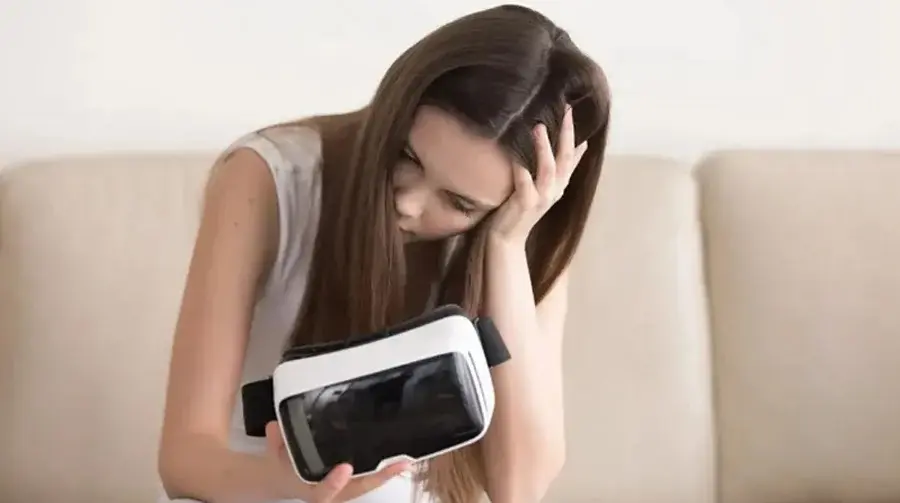
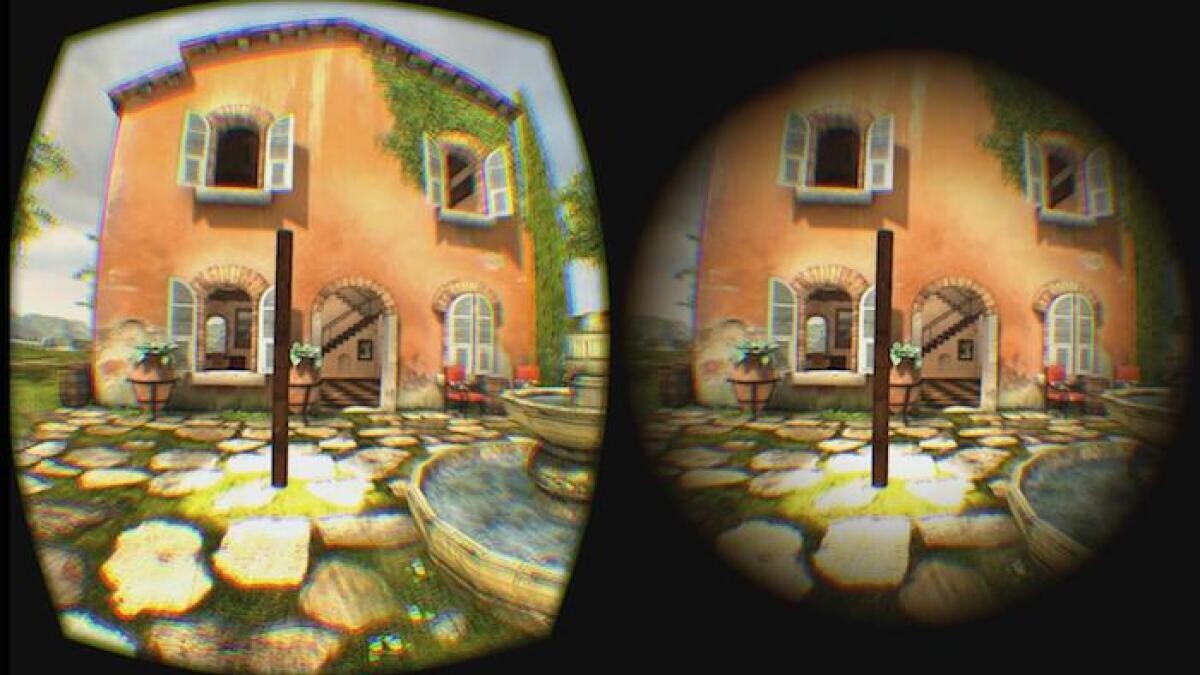
Unlike traditional screens, VR creates a virtual environment that feels physically close to the viewer. Even though the display is only centimeters from your eyes, the brain perceives objects at varying depths.
If the virtual viewing distance feels too close or too far, it can lead to:
-
Eye fatigue
-
Head pressure
-
Difficulty focusing
-
Reduced immersion
Finding the right balance helps viewers stay comfortable during longer sessions.
Understanding Virtual Distance vs Physical Distance
In VR, there are two types of distance:
Physical distance:
The actual space between your eyes and the headset lenses.
Perceived distance:
How far objects appear inside the virtual world.
Developers and creators design scenes to simulate natural depth, but viewer posture and headset positioning also influence perception.
Signs Your Viewing Distance Feels Uncomfortable
You may need adjustments if you notice:
-
Constant refocusing
-
Eye strain within minutes
-
Feeling cross-eyed or unfocused
-
Difficulty maintaining visual clarity
-
Frequent blinking or watering eyes
How to Find Your Optimal Viewing Position
Follow these simple steps:
1. Adjust Headset Fit First
A headset that sits too high or low changes focal alignment.
2. Maintain Neutral Head Position
Keep your head level instead of tilting forward or backward.
3. Keep Content at Eye Level
Avoid constantly looking up or down.
4. Avoid Leaning Too Close
Even in VR, leaning forward excessively increases eye strain.
5. Use Comfortable Seating
Stable body posture improves spatial perception.
Device Settings That Influence Viewing Comfort
-
Correct IPD (interpupillary distance)
-
Lens focus adjustments
-
Higher resolution displays
-
Proper refresh rates (90Hz+)
These help maintain consistent visual clarity and reduce fatigue.
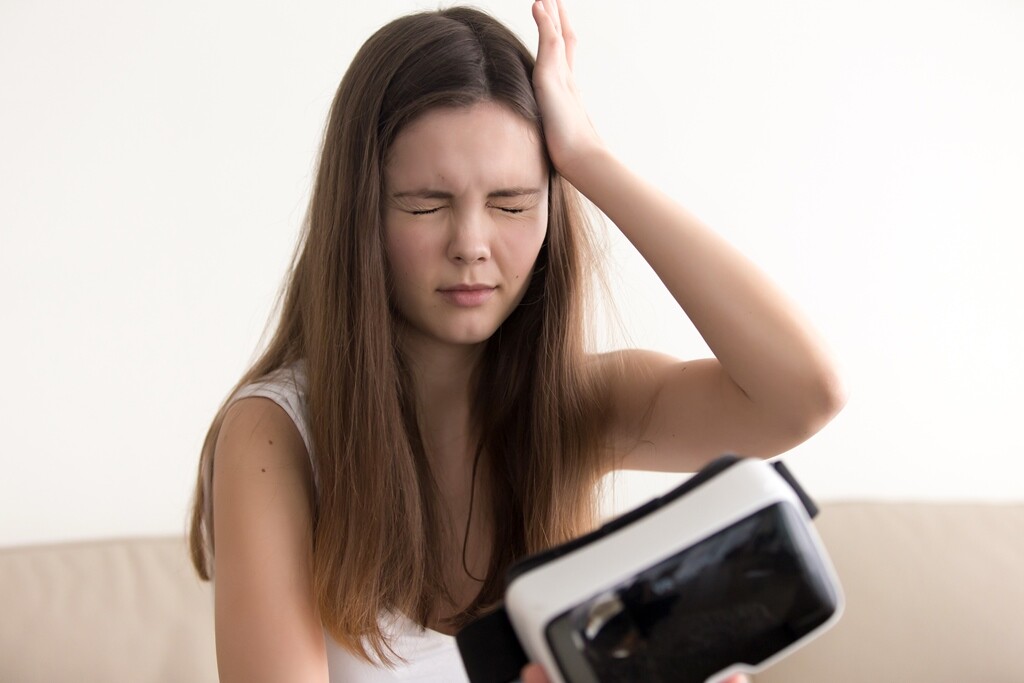
Common Mistakes That Reduce Comfort
-
Wearing the headset too tight
-
Tilting the headset angle downward
-
Watching content with exaggerated scale
-
Ignoring early signs of eye fatigue
How Viewing Distance Affects Immersion
When objects appear at a natural distance:
-
The brain processes depth more easily
-
Scenes feel realistic and grounded
-
Visual fatigue decreases
-
Viewers remain engaged longer
Proper distance enhances presence without overwhelming the viewer.
Final Thoughts
Optimal viewing distance in VR is not just about comfort â it directly influences immersion and long-term usability. With proper headset positioning, natural eye alignment, and mindful posture, viewers can enjoy longer VR sessions with less strain.

Jessica is an experienced content writer specializing in adult entertainment industry trends, VR technology reviews, and performer interviews. With over 5 years of experience, she brings insightful analysis and engaging storytelling to every article.